

Speed Test WiFi Analyzer (analiti) APK – Best Download
Speed Test WiFi Analyzer (analiti) is an Android network diagnostic application for measuring internet speeds, examining wireless signals, detecting channel congestion, monitoring connection performance, and discovering devices connected to local networks.

Screenshots
Take a closer look at Speed Test WiFi Analyzer (analiti).
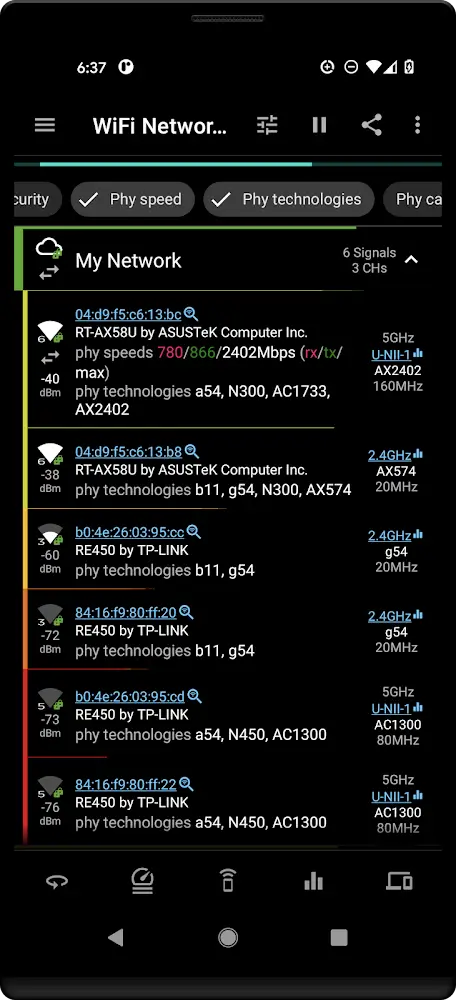
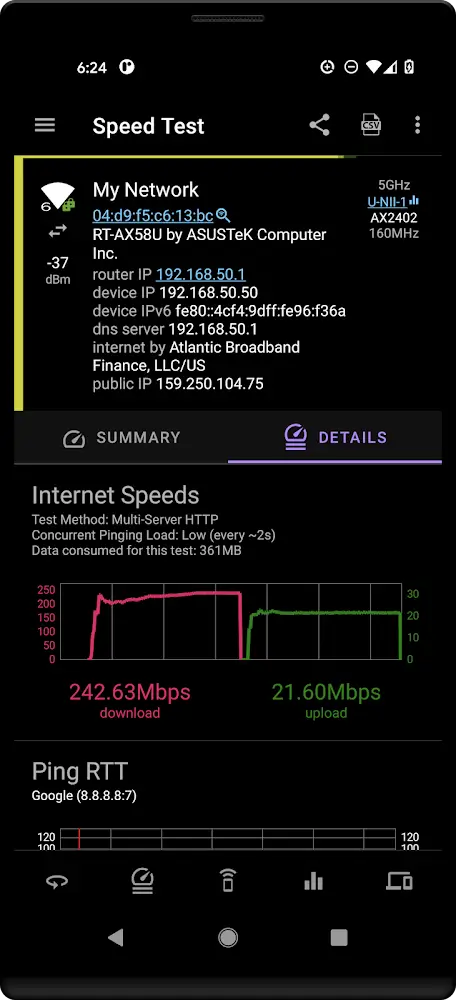
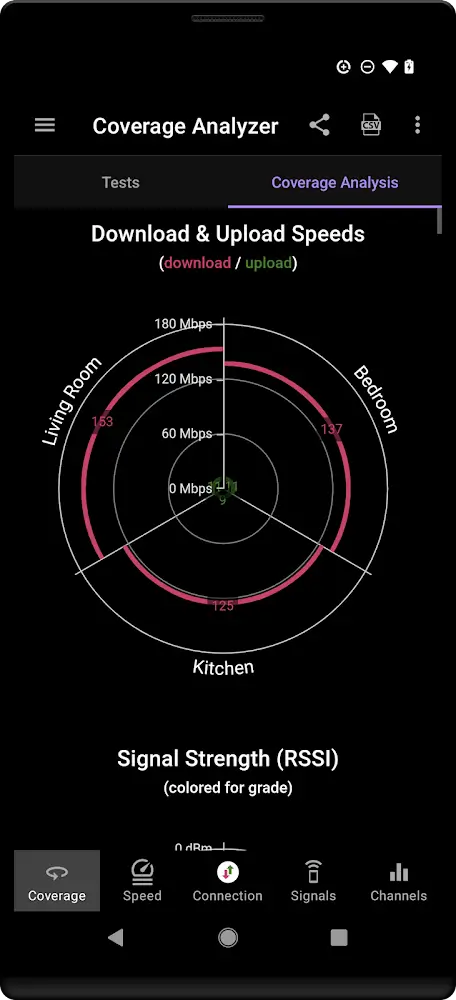
Speed Test WiFi Analyzer (analiti) Network Tools
Speed Test WiFi Analyzer (analiti) helps Android users evaluate internet performance, investigate wireless interference, and troubleshoot connectivity problems. Developed by analiti Experts Group, it measures download and upload speeds, network responsiveness, and latency using several testing methods. Its wireless analyzer displays signal strength, channel utilization, security configurations, and access point information. Users can identify nearby network congestion, scan connected devices, and monitor connection changes while moving between access points. Advanced tools include scheduled speed tests, network validation, and detailed diagnostic reporting. Unlike Word Counter Note CountablePad, which measures written content, this application examines network performance and helps users make informed WiFi configuration decisions.
Key Features
- ✓Download and Upload Speed Testing
- ✓WiFi Channel Interference Analysis
- ✓Wireless Signal Strength Monitoring
- ✓Connected Network Device Scanning
- ✓Ping and DNS Latency Testing
- ✓Scheduled Background Speed Tests
- ✓Network Connection Validation Reports
Frequently Asked Questions
What is Speed Test WiFi Analyzer (analiti) used for?
It is an Android networking utility that measures connection speeds, analyzes nearby wireless networks, identifies signal interference, and diagnoses connectivity problems. Users can inspect wireless channel usage, monitor latency, discover local devices, and evaluate network performance before changing router settings.
How does the internet speed testing feature work?
The application transfers test data between the device and a testing endpoint to estimate download and upload throughput. It also provides responsiveness measurements and additional testing options, including iPerf3. Actual results depend on server selection, wireless signal conditions, network congestion, and the internet connection being tested.
Can the application identify crowded WiFi channels?
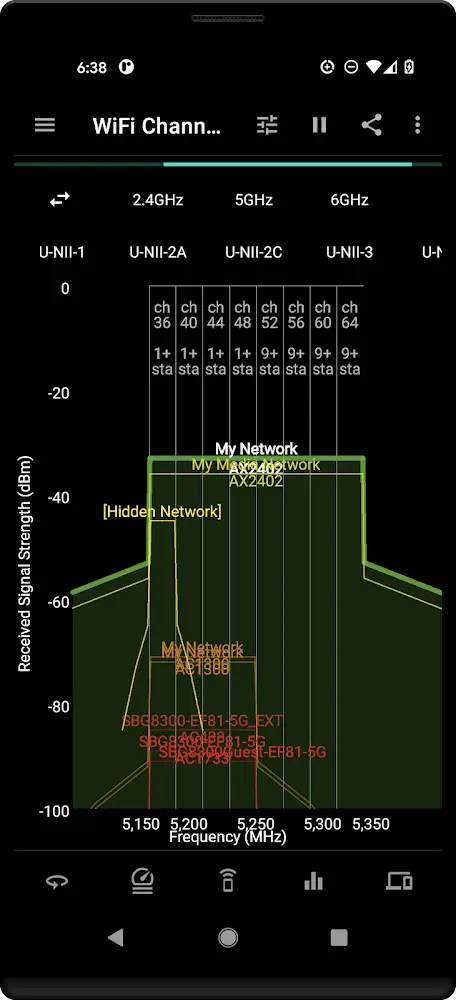
Yes. Its wireless channel analyzer examines nearby access points, overlapping networks, signal characteristics, and channel utilization. Advanced measurements include co-channel and adjacent-channel interference indicators. These details can help users select a less congested router channel when supported by their network equipment.
Does it display WiFi signal strength and network details?
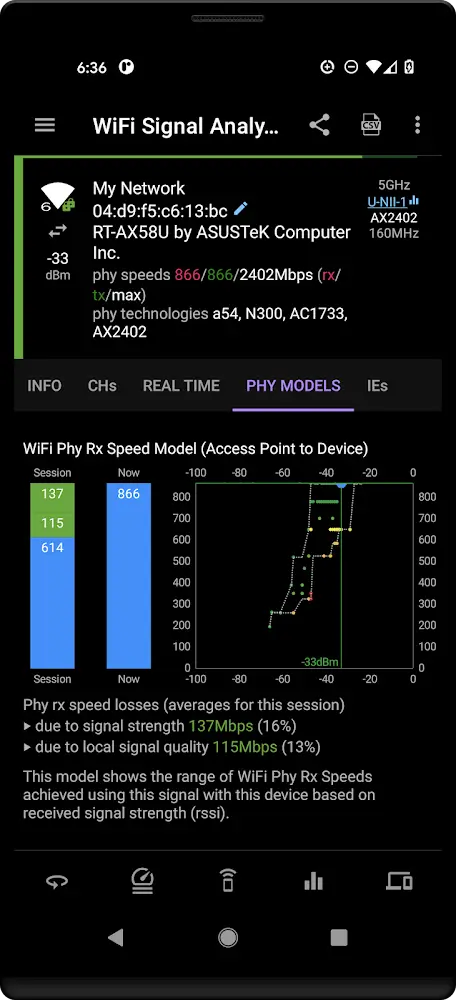
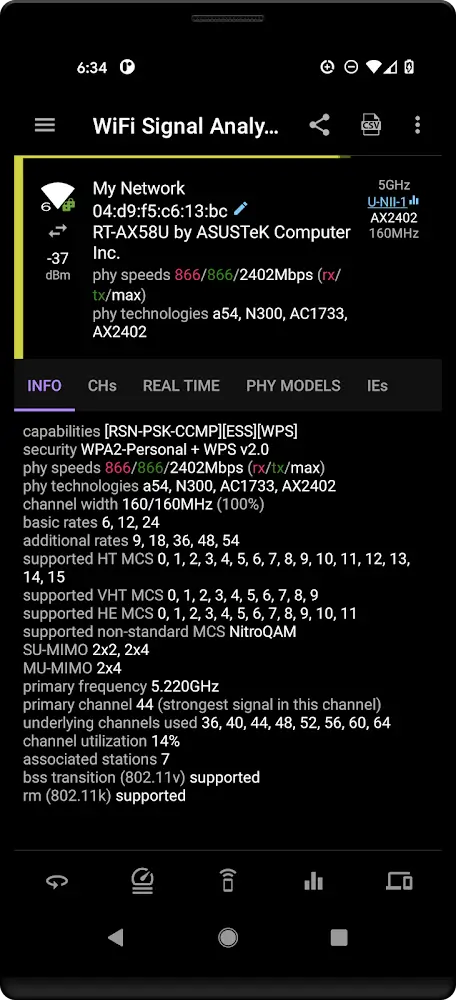
Yes. The application provides information about nearby wireless signals, access points, supported wireless standards, channel settings, and security configurations. Advanced analysis can include modulation and coding information, physical connection rates, and signal behavior. Available measurements depend on Android permissions and device hardware.
Can Speed Test WiFi Analyzer (analiti) discover devices on my network?
Yes. Its LAN scanning feature identifies discoverable devices connected to the local network and can examine accessible ports. This is useful for reviewing network equipment and investigating unfamiliar connections. A scan cannot guarantee discovery of every device because firewalls, network isolation, and device settings may restrict responses.
Can I measure ping, DNS response time, and connection latency?
Yes. The RTT testing tools measure network responsiveness using ICMP echo requests, DNS queries, and TCP connection establishment. These measurements help distinguish problems involving network delay, name resolution, and connection setup. Results can vary with server behavior and network conditions.
Does the application support automatic network monitoring?
Yes. Speed tests can run at configured intervals, including supported background operation. Connection tracking can also monitor WiFi roaming and network handovers. These functions help users investigate recurring slowdowns, unstable wireless coverage, and performance changes over time.
Can I generate professional network diagnostic reports?
The official developer description lists connection validation checklists, detailed PDF reports, and advanced packet capture tools. Supported expert functions include PCAPng generation and Wireshark-related analysis. Some advanced features may require an eligible subscription or additional permissions.






Comments (0)
Share your experience with Speed Test WiFi Analyzer (analiti).