
Word Counter Note CountablePad v14.1.1 APK – Best Download
Word Counter Note CountablePad is an Android writing and note-taking application that counts words, characters, sentences, paragraphs, and bytes while offering automatic saving, searchable notes, customizable appearance, and backup tools.

Screenshots
Take a closer look at Word Counter Note CountablePad.
Word Counter Note CountablePad Writing Features
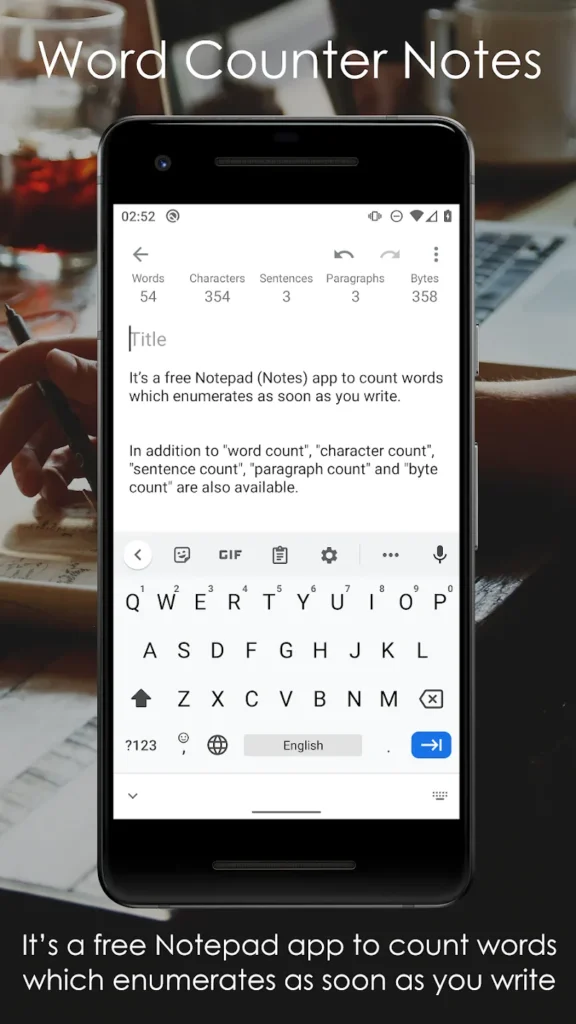
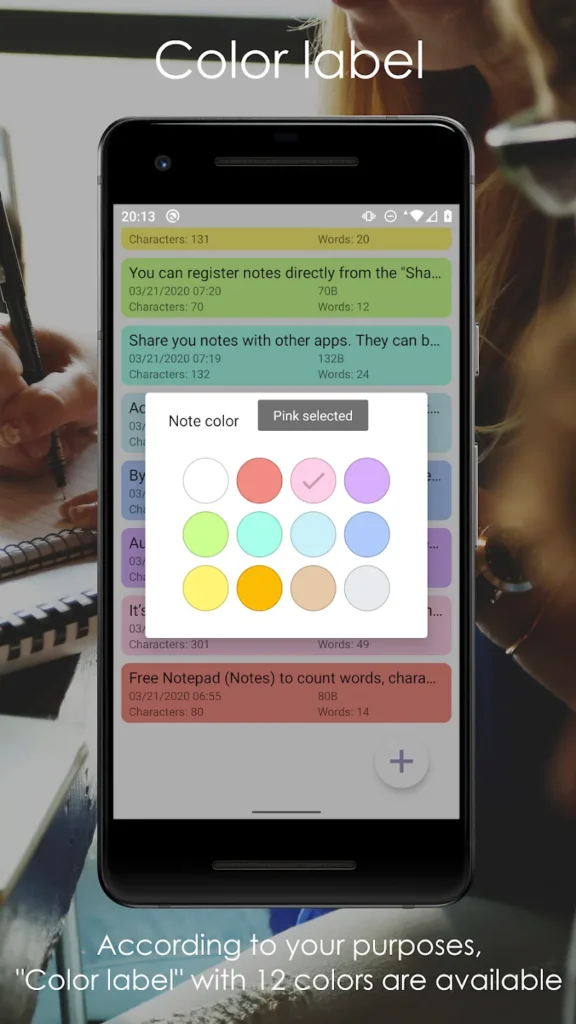
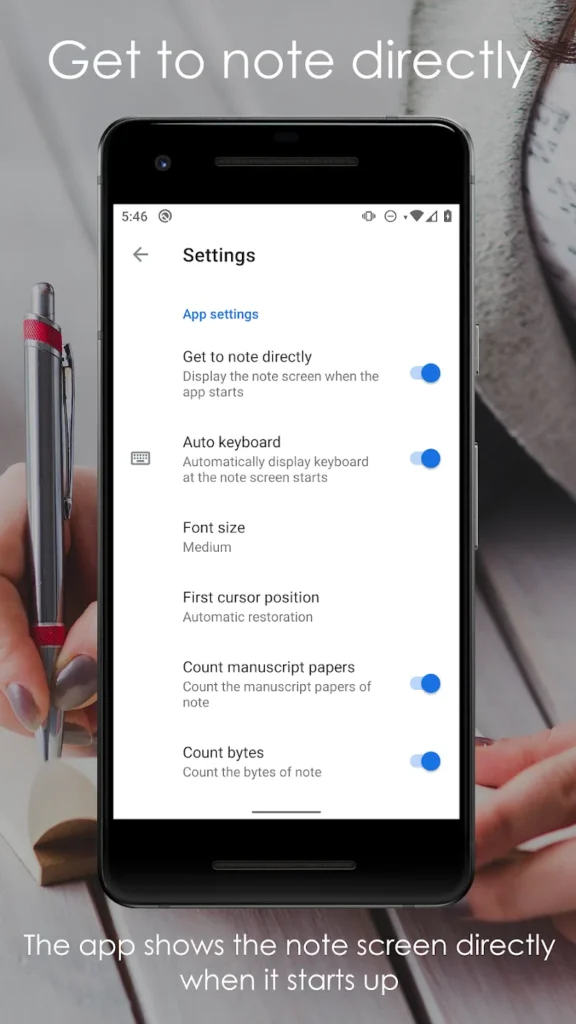
Word Counter Note CountablePad combines a simple Android notepad with live text statistics for writers who need to follow specific length requirements. Developed by CUTBOSS, it calculates words, characters, sentences, paragraphs, and bytes while users type essays, reports, manuscripts, or personal notes. Automatic saving helps preserve changes, while keyword search and twelve color labels make documents easier to organize. Users can customize font sizes, switch between light and dark themes, and import or export plain text files. Google Account backup and restoration provide additional options for transferring notes. Unlike AR Measure Tape: SmartRuler, which estimates physical dimensions, this application measures written content and supports everyday text editing.
Key Features
- ✓Real-Time Word and Character Counting
- ✓Sentence Paragraph and Byte Statistics
- ✓Automatic Note Saving
- ✓Twelve Color Note Labels
- ✓Keyword Note Search
- ✓Google Account Backup and Restore
- ✓Plain Text Import and Export
Frequently Asked Questions
What is Word Counter Note CountablePad used for?
It is an Android notepad designed for writing and counting text simultaneously. Users can prepare essays, reports, articles, manuscripts, and personal notes while monitoring words, characters, sentences, paragraphs, and bytes. The application also provides note organization, searching, sharing, and backup functions.
Does the application count words automatically?
Yes. The word counter updates as text is entered, allowing users to monitor document length without running a separate counting process. Character, sentence, paragraph, and byte counting options are also available and can be enabled or disabled through the settings.
Can I write long essays and manuscripts?
Yes. The developer states that the application does not impose its own character limit. Users can write essays, speeches, articles, and longer manuscripts, although practical document size is limited by the Android device and available system resources.
Does the app automatically save notes?
Yes. Automatic saving occurs periodically during typing and when users leave the editing screen. It also responds to interruptions such as incoming calls or screen changes. This helps reduce accidental loss of recent edits, although separate backups remain advisable for important documents.
Can I organize and search my saved notes?
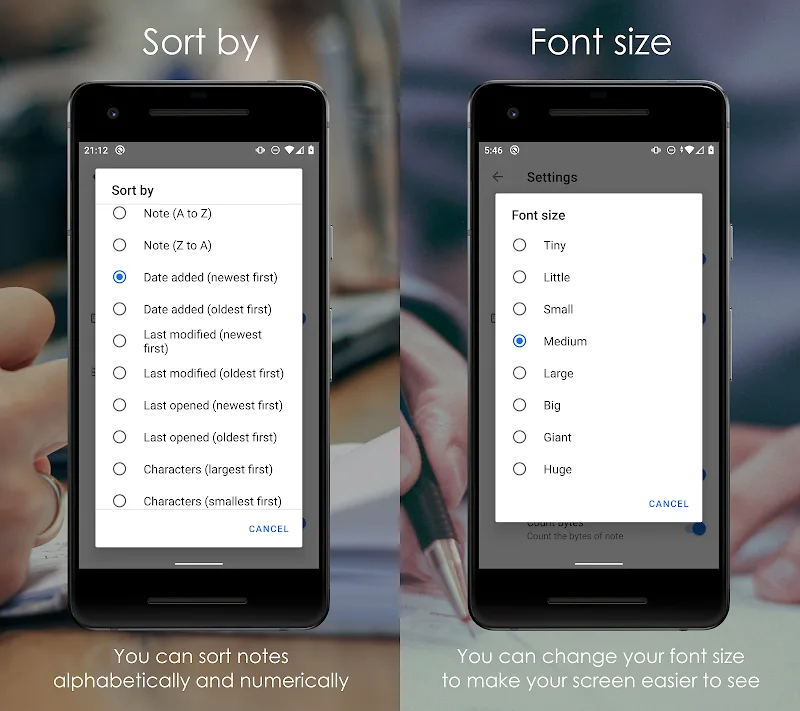
Yes. The application includes keyword searching, twelve color labels, and sorting options. Notes can be arranged by title, content, creation date, modification date, character count, or byte count. These tools help users locate documents without browsing through every saved entry.
Does the application support Google Account backup?
Yes. The developer provides backup and restoration functions for notes, application data, and settings through a Google Account. Saved information can be restored to the original device or transferred to another compatible Android phone. Users should complete a backup before resetting or replacing their device.
Can I import and export TXT files?
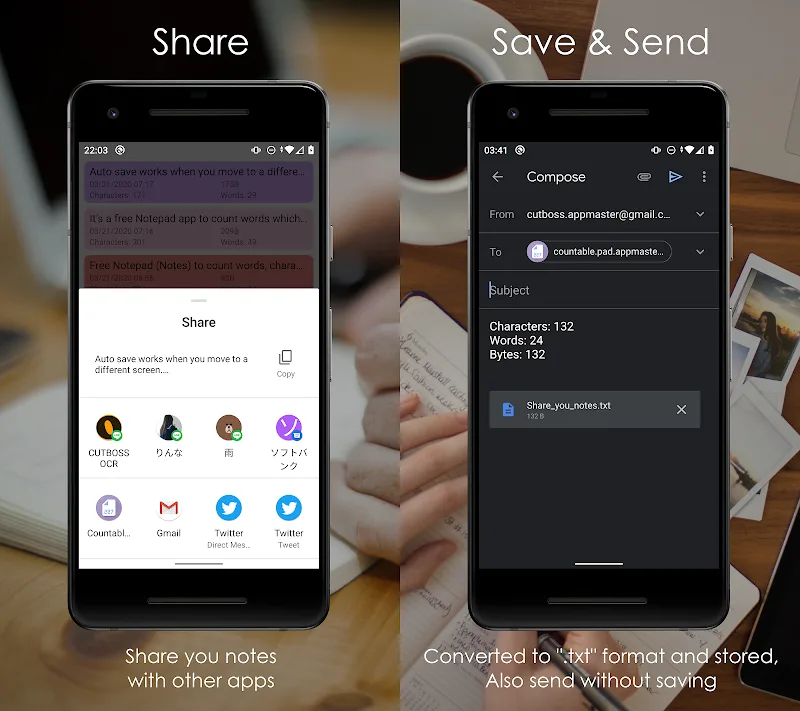
Yes. Users can import compatible text files from file managers, email attachments, and other applications. Saved notes can also be exported as TXT files or shared directly through Android's sharing options. The settings include several character encoding choices for handling different text files.
Does the app include dark mode and font customization?
Yes. The application supports light, dark, and system-default themes. Users can select different font sizes, change line spacing, configure note titles, and adjust display settings. Dark mode can make writing more comfortable in dim environments, depending on personal preference.





Comments (0)
Share your experience with Word Counter Note CountablePad.