

YearCam (FaceCam) v1.7.8 Mod APK – Best Download
YearCam (FaceCam) is an Android AI video generator that transforms text prompts and photos into animated videos. It offers creative templates, visual styles, portrait animation, and customizable video frames.

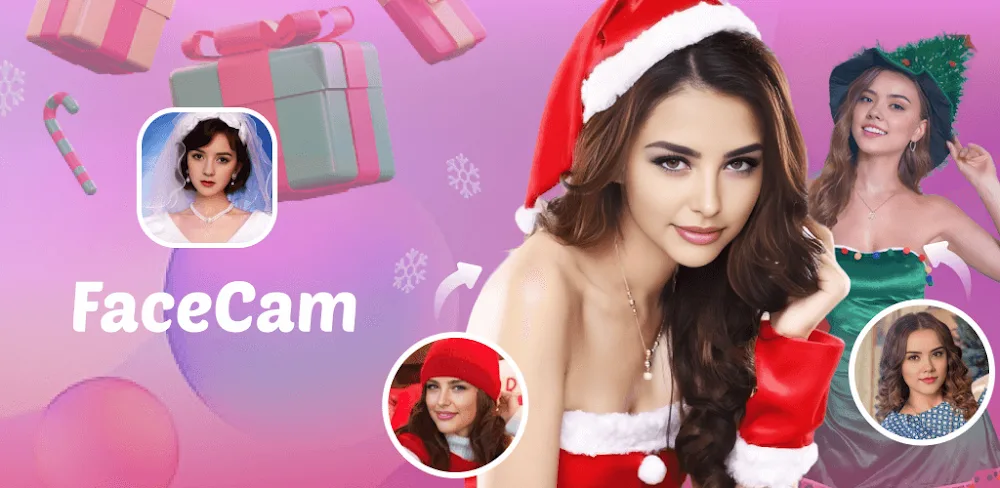
Screenshots
Take a closer look at YearCam (FaceCam).
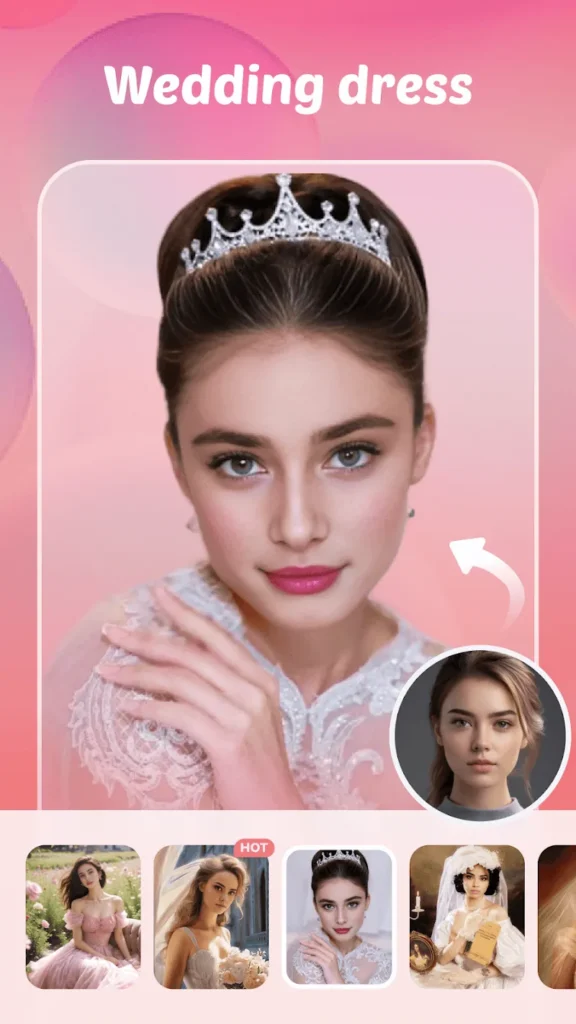
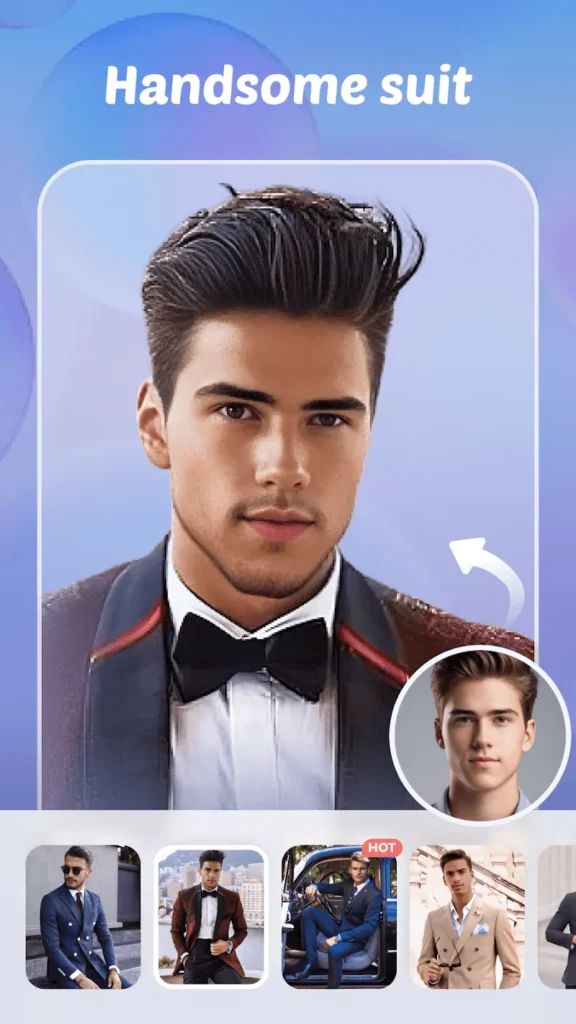


Create AI Videos From Photos and Text
YearCam (FaceCam) is an Android AI creation app that generates videos from written prompts and uploaded images. Developed by Fillog Studio, its current official edition supports text-to-video generation, photo animation, multiple reference images, and different visual styles. Users can guide their results with opening and closing frames, explore trending templates, and manage generated content through an asset library. Earlier FaceCam features focused on selfie transformations, vintage yearbook portraits, virtual hairstyles, and appearance effects. Unlike messaging accessories such as 1001 Animated Stickers for WA, this application creates visual content rather than sticker collections. The supplied modified APK claims premium access, but that claim remains unverified.
Key Features
- ✓AI Text to Video Generation
- ✓Photo to Video Animation
- ✓Multiple Reference Image Support
- ✓Custom AI Visual Styles
- ✓First and Last Frame Control
- ✓Creative Video Effect Templates
- ✓Generated Media Asset Library
Frequently Asked Questions
What is YearCam (FaceCam) used for?
YearCam (FaceCam) is an AI-powered Android application developed by Fillog Studio. Its current official version focuses on generating videos from written descriptions and images. Users can create animated portraits, explore creative video styles, and produce visual content for personal projects or social media.
Can YearCam (FaceCam) turn photos into videos?
Yes. The official application includes an image-to-video feature that uses AI to animate uploaded photographs. Users can select an image, choose available generation options, and create a video with simulated movement and visual effects. Results depend on the original image, selected model, and generation settings.
How does AI text-to-video generation work?
The text-to-video feature converts written descriptions into generated video scenes. Users describe the subject, setting, movement, or visual style they want to create. The AI system interprets the prompt and produces a video based on the supplied instructions. Detailed prompts can help communicate the intended result, although exact outcomes are not guaranteed.
Does YearCam support multiple reference images?
Yes. The current official Google Play description identifies multi-reference image support. Users can provide multiple pictures to help guide the appearance of characters, scenes, and visual elements. This feature is intended to improve consistency between the supplied references and generated content.
Can I create vintage yearbook photos with FaceCam?
The earlier FaceCam experience included AI portrait transformations inspired by vintage yearbook photography, including retro hairstyles, clothing, and photographic effects. However, the current official application emphasizes AI video generation. Availability of older yearbook templates may differ between versions.
What is YearCam (FaceCam) Mod APK Premium Unlocked?
The supplied version 1.7.8 is described as a modified APK claiming unlocked premium functionality. This is a third-party modification claim, not a verified feature of the official Google Play release. Modified packages can differ from the developer's original application and may introduce security, privacy, compatibility, or account-related risks.
Is YearCam (FaceCam) free to use?
The official Google Play listing identifies the application as available to install with advertisements and in-app purchases. Some AI generation features, credits, or advanced options may require payment. Users should review the current purchase terms within the official application before selecting a subscription or other paid option.
Does YearCam require an internet connection?
AI video generation commonly relies on remote processing services, so users should expect an internet connection to be necessary for generating new content. Uploading reference images, retrieving generated results, and accessing online templates may also require connectivity. A complete offline AI generation mode has not been verified.




Comments (0)
Share your experience with YearCam (FaceCam).